Free while we are in beta: every widget, every export
TipcodeOpen the studio
Built on

Keep 100%
of your tips

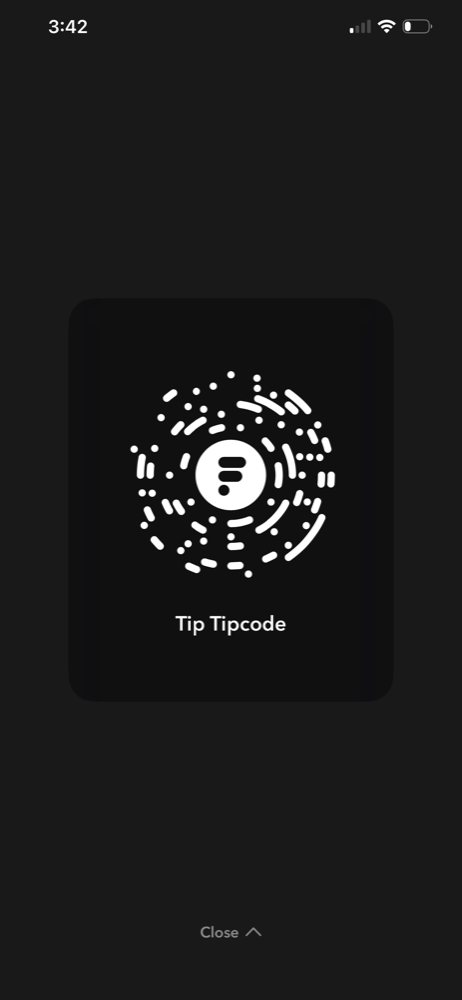
Tipcode is the independent toolkit for your Flipcash Tip Card: make it yours, then take it beyond the app. Export it for video, images and print, or run it live on stream with alerts, goals and overlays.

Open the studioFree, and no account needed to make one.
0%
taken by Flipcash
or by Tipcode
Instant
settled while the alert
is still on screen
Anywhere
anyone with the app
can scan your code
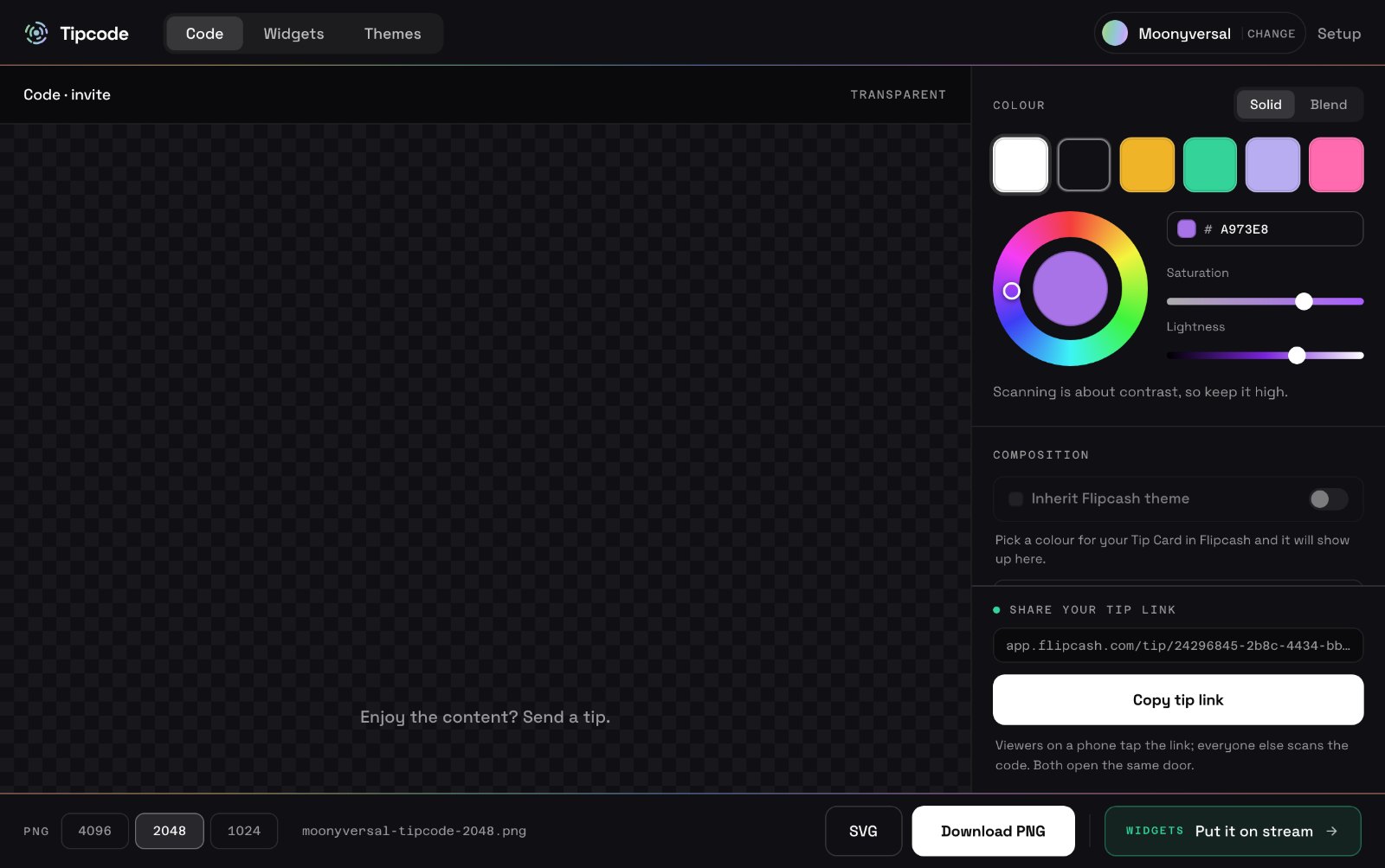
The Tipcode studio: a scannable code on a transparent canvas, with colour, composition and export controls
YOUR CODE · MAKE IT YOURS · USE IT ANYWHERE
WORKS WITH
ON STREAM

For the creators

Widgets that put your code, your tips and your goals on screen, themed together, each one its own browser source.

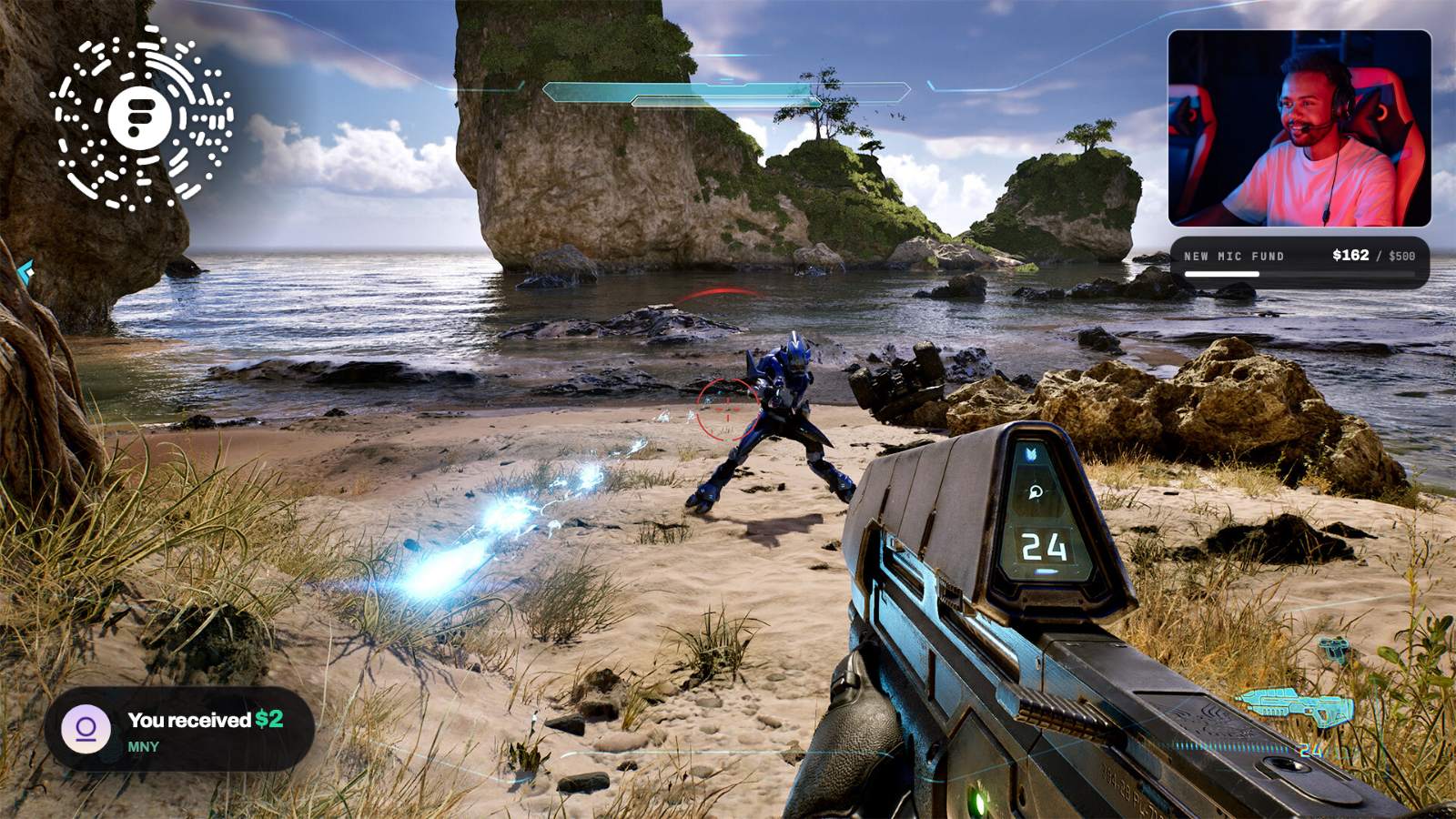
A Tipcode overlay on a live stream: a tip goal bar, a tip alert, and a scannable code in the corner
Goal bar, tip alert and your code, each its own browser source. Drag them wherever your scene has room.

Tips land on screen, live

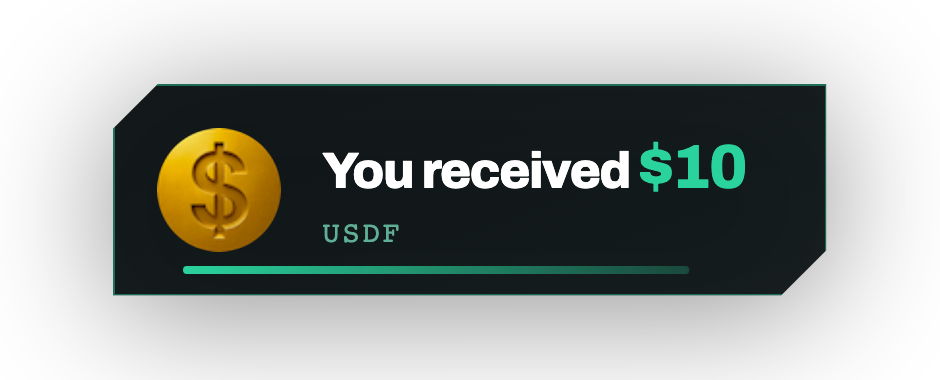
A tip arrives and your scene reacts: an alert with the amount and currency, a goal meter creeping up, a code badge in the corner. Write the lines yourself, or set a floor so only real support interrupts you.

See every widget →
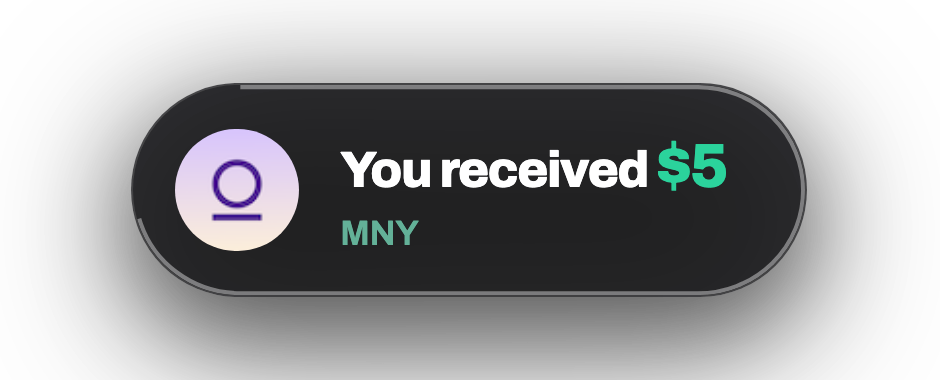
You received $5MNY
New mic fund$310 / $500

Pick a look for your stream

Alert styles, goal bars and code badges come as themes, and each one restyles every widget at once.

Browse the themes →
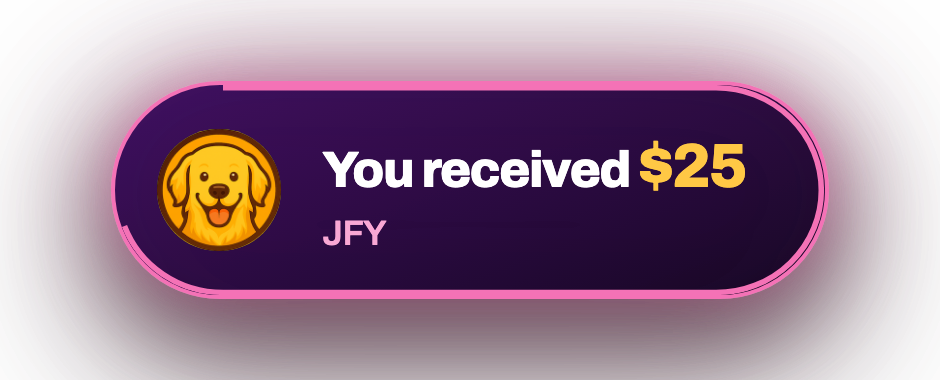
Neon Arcade
Violet and hot pink, gold numbers
Default
Takes its accent from your code colour
HUD
Chamfered sci-fi chrome

One browser source and you are done

Paste one URL into OBS. Streamlabs Desktop, XSplit, vMix, Prism Live and Ecamm Live read the same link. Most creators set this up once and never open Tipcode again.

Full setup walkthrough →
BROWSER SOURCE
tipcode.fun/obs/…/alertsCopy
01Add a Browser source in OBS.
02Paste the URL, set 1920 × 1080.
03Send yourself a test tip.
Five widgets, one browser source each

Scan code, alerts, goal bar, camera frame and starting soon, each as its own browser source, in whatever format your scene needs.

PNGSVGLOOPING WEBMBROWSER SOURCE
See the widgets

From a $10 tip, what reaches you?

Platforms sell tipping and keep a share of it. A code works differently: the money moves person to person inside Flipcash, with no company account in the middle taking a cut.

TikTok Gifts
TikTok keeps about half
$5.00
Twitch Bits
Twitch keeps about 30%
$7.00
YouTube Super Chat
YouTube keeps about 30%
$7.00
Your code, on Flipcash
nobody keeps anything
$10.00
From each platform's published payout rates, approximate; the shaded end of each bar is the platform's share. Your money on Flipcash is yours in full; Tipcode adds nothing on top.
Person to person
A tip goes straight from their wallet to yours the moment they send it. It is your money the instant it lands, with nobody in between.
Settled instantly
The money is spendable while the alert is still on screen. Spend it, save it or send it on the same minute, on your own schedule.
Community currencies
Get tipped in dollars, or in a currency your community mints for itself on Flipcash. Your people, your economy, your code on the door.
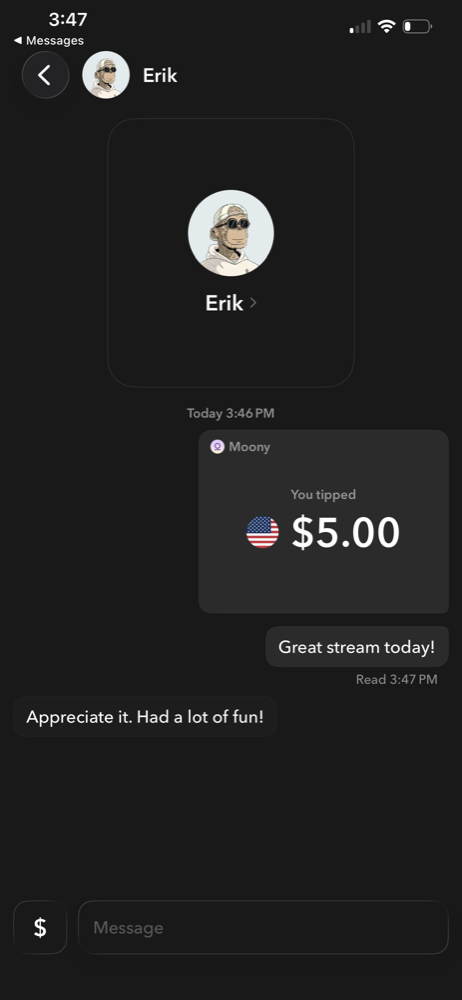
Flipcash Tip Card screenA tip landing as a message in Flipcash
Built on

New to Flipcash?

Flipcash is a self-custodial payments app. Money stays in a wallet only you control, and sending it is instant and free, anywhere in the world.

Zero fees on tipsNo bank account neededSet up in a minute

Questions
worth asking

Still stuck? The studio has a setup walkthrough on every widget.

Open the studio →
01Does Tipcode take a cut of my tips?+

No. A tip moves from their wallet to yours inside Flipcash and never passes through us, so there is nothing to take a cut of. Tipcode itself is free while we are in beta.

02What do I need to get started?+

A Flipcash account, which gives you a Tip Card and its link. Paste the link into the studio and your code is ready. Making and downloading the code needs no account with us.

03How does someone tip me?+

Two ways to the same place. Watching on a monitor, they open Flipcash, tap Scan and point their phone at your code. Watching on a phone, they tap your tip link. Either opens your card in the app; they choose an amount, starting at $1, and it is in your wallet at once.

04Is it a QR code?+

No. It is a Flipcash code, and only the Flipcash app reads it. A regular camera app will not, which is why your tip link belongs in your bio and pinned chat alongside the code.

05What currency are tips in?+

Either US dollars or a community currency. Dollars on Flipcash are USDF, a stablecoin Flipcash issues in partnership with Coinbase. Communities can tip in their own Flipcash currency instead, which you can sell back for dollars in the app at the current price.

06How do I get the money out?+

Spend it from Flipcash, send it to anyone, or withdraw it to your own Solana wallet, where dollars arrive as USDC. Flipcash charges a small fee to set up a withdrawal address the first time.

07Which streaming apps work?+

The code is a file, so it works everywhere: any broadcaster, editor, thumbnail or print. The live widgets work in any streaming app that lets you add a browser source, which is most of them: OBS Studio, Streamlabs Desktop, XSplit, vMix, Prism Live, Ecamm Live and TikTok Live Studio among others.

Start keeping the whole tip

Paste the link, download the file. About four seconds, and nobody takes a percentage of anything.

Open the studio